
...

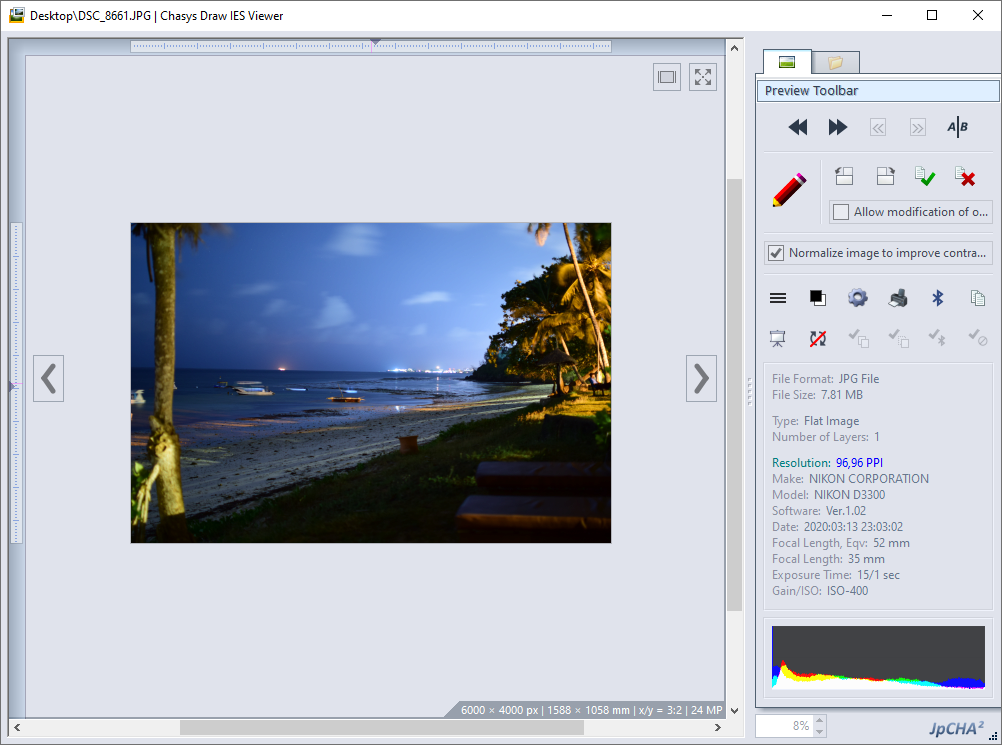
Chasys Photo is a suite of image editing applications including a layer-based image editor with adjustment layers, linked layers, timeline and frame-based animation, icon editing, image stacking and comprehensive plug-in support (Chasys Photo Editor), a fast image viewer (Chasys Photo Viewer) and a fast multi-threaded image file converter (Chasys Photo Converter) , with RAW image support in all components. It supports the native file formats of several competitors including Adobe Photoshop, Affinity Photo, ArtWeaver, Corel PhotoPaint, FireAlpaca, GIMP, Krita, Paint.NET, PaintShop Pro and Pixlr, and the whole suite is designed to make effective use of multi-core processors, touch-screens and pen-input devices.


Designed under the mantra of “unique, flexible and powerful”, Chasys Photo takes a radically different approach to image editing with the aim of opening up new possibilities for those who dare to be different.

chasys photo splash screen

“unique, flexible and powerful”

Chasys Photo is built to adhere to four core principles, which I call the “four pillars of Chasys Photo”:
  • Character: No photoshop imitations here
  • Performance: Fast, efficient and stable
  • Innovation: New techniques and out-of-the-box thinking
  • Cleanliness: Clean code devoid of bloatware
The adherence to these principles is the reason why it is said that once you go Chasys you will never go back.

Latest Changes (Notes)

The following changes have been made to Chasys Photo with the latest release:

Internal Improvements

This release features the new Brush Engine 5.01 with tool overlays and independently rendered anchor points. This greatly improves rendering efficiency. DPI handling is now fully based on floating point math, and the palette window now supports oversize palettes with up to 1024 entries.

User Experience

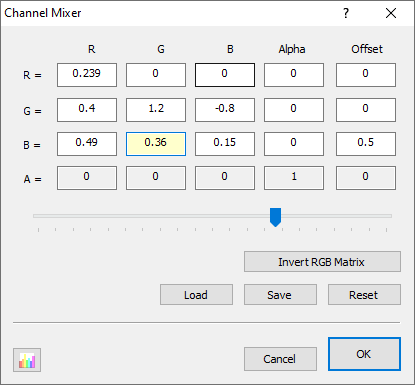
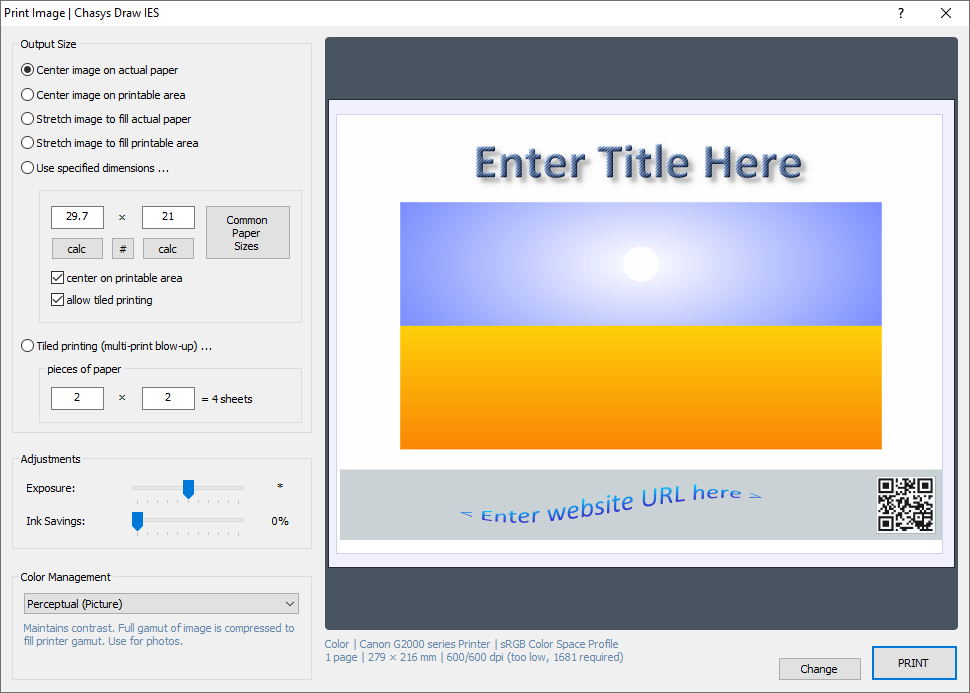
This release uses a template-centric workflow for new project creation. To support this, we now have an enhanced Hand tool that can perform basic actions. Layer selection now uses fuzzy logic for a more natural feel, and you can now print multiple copies per sheet (step and repeat) when printing small items.

File Support and Bug Fixes

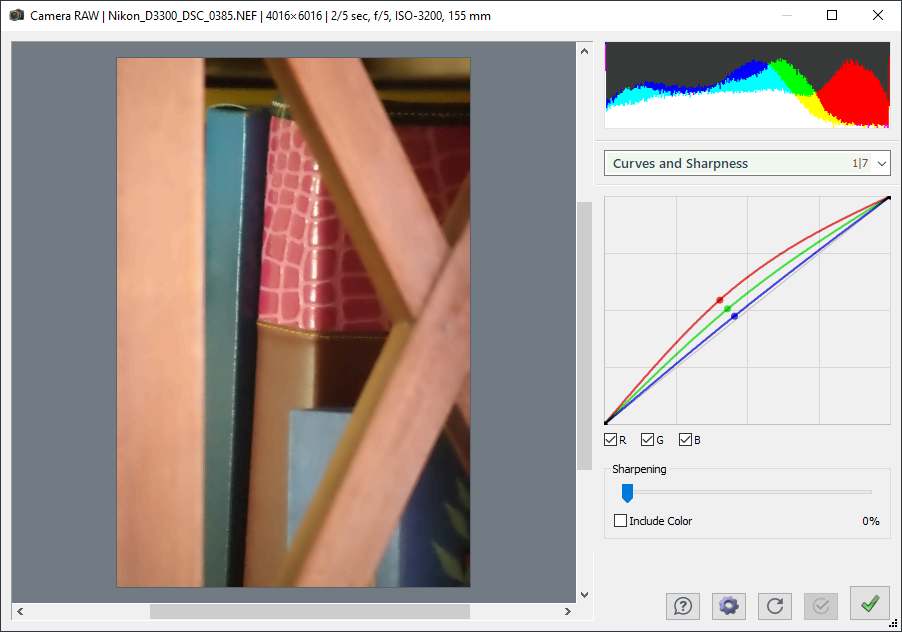
Support for Windows Clipboard files (.CLP) has been added and PCX file support now includes EGA palettes. Camera RAW file support has been updated and we now support Adobe ASE and ACO palette files. A bug that caused frame conversion to skip some frames has been fixed.

Latest Changes (List)

The following changes have been made to Chasys Photo with the latest release:
  • Brush Engine 5.01 with tool overlays for efficient rendering
  • Template-centric workflow for new project creation
  • Enhanced Hand tool that can perform basic actions
  • Print multiple copies per sheet (step and repeat)
  • Fuzzy layer selection logic for natural interaction
  • Independently rendered anchor points (grab handles)
  • Oversize palette support up to 1024 entries
  • Improved DPI handling with floating point math
  • Support for Windows Clipboard files (.CLP)
  • Support for Adobe ASE and ACO palette files
  • Improved PCX file support (EGA palettes)
  • Updated Camera RAW file support
  • [bug-fix] Frame conversion skips some frames

Chasys Photo is updated regularly, with a new version coming out every 1 to 3 months. If you have Chasys Photo installed on a computer with an internet connection, you will be notified of updates as they become available. You can also visit this page to check.

Downloads

Latest Version (FREE):
Chasys Photo 5.40.01
released on 26 th Feb 2026
46 MB exe or zip - setup, help and selected extras

Showcase

Information

Donations

Did you like the software?
Kindly make a donation via PayPal to keep the project going.


Screenshots

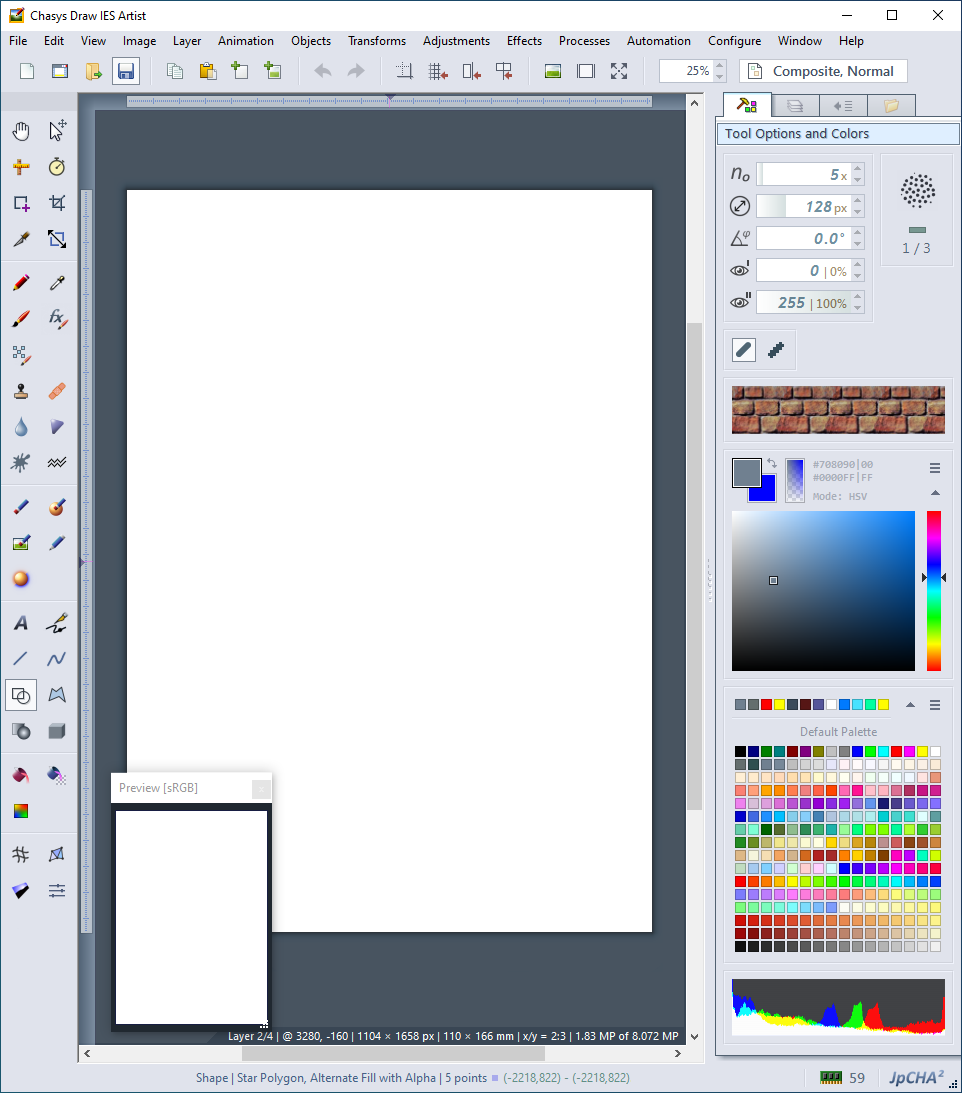
chasys photo screen shot

Awards

award

award

Awarded 5 Stars at Taimienphi

award

award

Awarded 5 Stars at FileCluster

programy.net.pl

award

award

award